

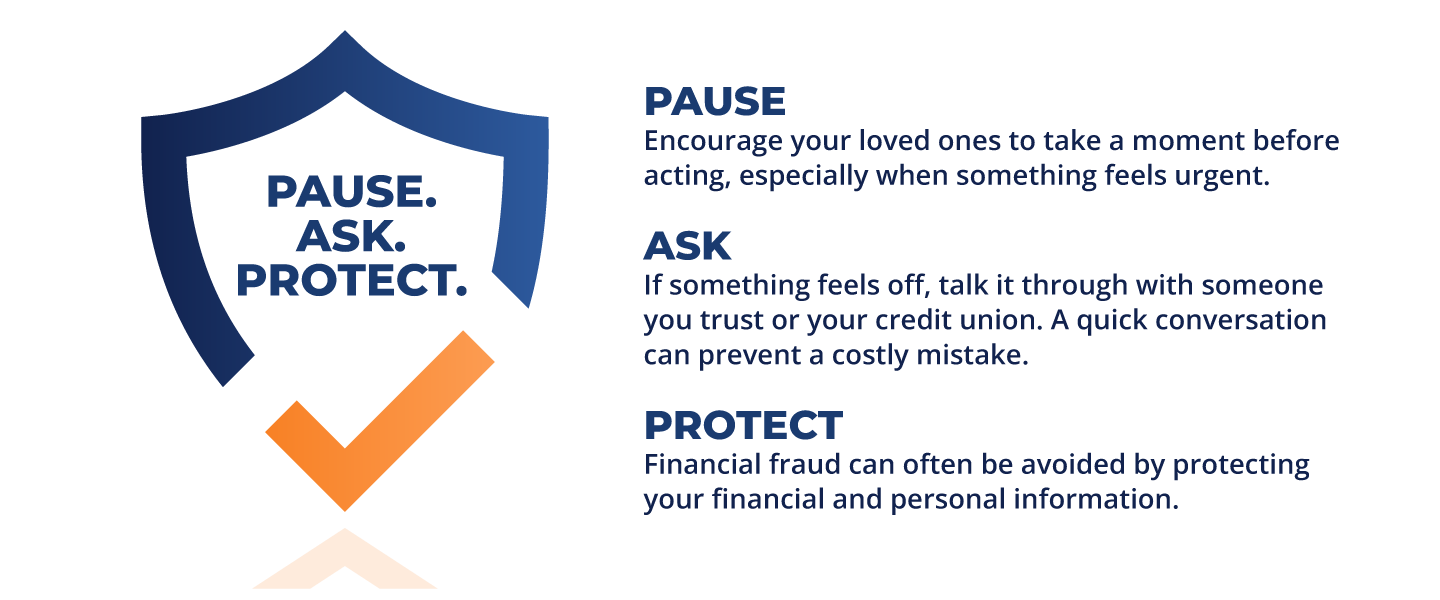
Pause. Ask. Protect.
Protect What Matters Most as We Grow Older
Elder financial abuse is more common than many people realize, and it’s often happening quietly.
Across the country, financial institutions have reported over 180,000 suspicious cases involving older adults, totaling more than $6 billion in potential or actual losses.*
What makes this even more concerning is how these situations unfold. Many cases don’t happen all at once. They build over time, sometimes over months, before being detected. In many cases, the person responsible is someone the victim knows and trusts.
That’s why one simple idea can make such a difference:
Pause. Ask. Protect.
Pause
If something feels urgent or unusual, take a moment. Pressure is one of the most common tactics used in financial exploitation.
Ask
If something feels off, talk it through with someone you trust or your credit union. A quick conversation can prevent a costly mistake.
Protect
Never share personal or financial information unless you’re completely confident it’s safe.
At The Credit Union for Robertson County, we believe in protecting your financial well-being. It means helping you feel confident in every financial decision you make.
If something doesn’t feel right, trust that instinct and reach out. We’re here to help you protect what matters most.
*Source: Consumer Financial Protection Bureau, Suspicious Activity Reports on Elder Financial Exploitation: Issues and Trends
New Year, New Passwords: A Simple Step Toward Better Cybersecurity
A new year is all about fresh starts—new goals, new habits, and new ways to protect what matters most. One resolution that often gets overlooked is strengthening our digital security, starting with our passwords.
Many of us reuse the same passwords across multiple accounts or rely on ones that are easy to remember. Unfortunately, that also makes them easy to guess. Cybercriminal count on this, and a single weak password
can open the door to email, banking, shopping, and even work accounts.
The new year is the perfect time to update your passwords. Strong passwords should be long, unique, and hard to predict. A good rule of thumb is to use a mix of upper- and lowercase letters, numbers, and symbols—
or even better, a passphrase made up of several unrelated words. Each account should have its own password so that a breach in one place doesn’t compromise everything else.
To make this easier, consider using a reputable password manager. Storing passwords in web browsers provides convenience but often lacks encryption for password protection. Password managers store your passwords
and can even generate strong ones for you, reducing the temptation to reuse old favorites. Pairing strong passwords with multi-factor authentication adds another powerful layer of protection.
As you plan for the year ahead, take a few minutes to update your passwords. It’s a small step that can prevent big problems and help ensure your digital life stays secure all year long.
Set Up Account Alerts to Catch Fraud Early
One of the simplest and most effective ways to protect yourself against fraud is by setting up account alerts. These alerts notify you in real time when certain activity occurs on your account—such as purchases,
withdrawals, balance changes, or login attempts. The faster you’re aware of activity, the faster you can act if something doesn’t look right.
Account alerts help you spot unauthorized transactions almost immediately, often before serious damage is done. Instead of waiting for a monthly statement, you’ll know right away if your card is used, a large
transfer is made, or your account drops below a certain balance. This early warning can be critical in stopping fraud and limiting financial loss. To receive these e-alerts, be sure your cell phone system settings allow notifications from our mobile app (see how here) so important messages aren’t missed.
For even more control, tools like Remote Control Card (which is found in our home banking and mobile app) add an extra layer of protection. If your debit card is ever lost or stolen, you can instantly lock it to
prevent unauthorized transactions—and just as easily unlock it if the card is found. This puts control directly in your hands and helps stop fraud before it starts. Learn how to quickly lock or unlock your card using Remote Control Card by clicking here.
Mobicint™ (our home banking & mobile app solution) allows you to customize alerts and receive them via mobile app notification. Setting them up only takes a few minutes, but they provide ongoing protection and
peace of mind. If you ever receive an alert for activity you don’t recognize, contact us right away—quick action makes all the difference.